Basic
For getting started
₹499 per month
- 1 social account
- 50 posts per month
- Basic analytics
- 30 image generations per month Coming soon
Also included: Just you and Email support.
Prachar
Prachar is made for small businesses in India — bakeries, salons, boutiques, cafes. Tell it what you sell, and it helps you write the posts, put them on a calendar, publish them to your own accounts, and see how they did.
Free for the first 14 days. No card is asked for.
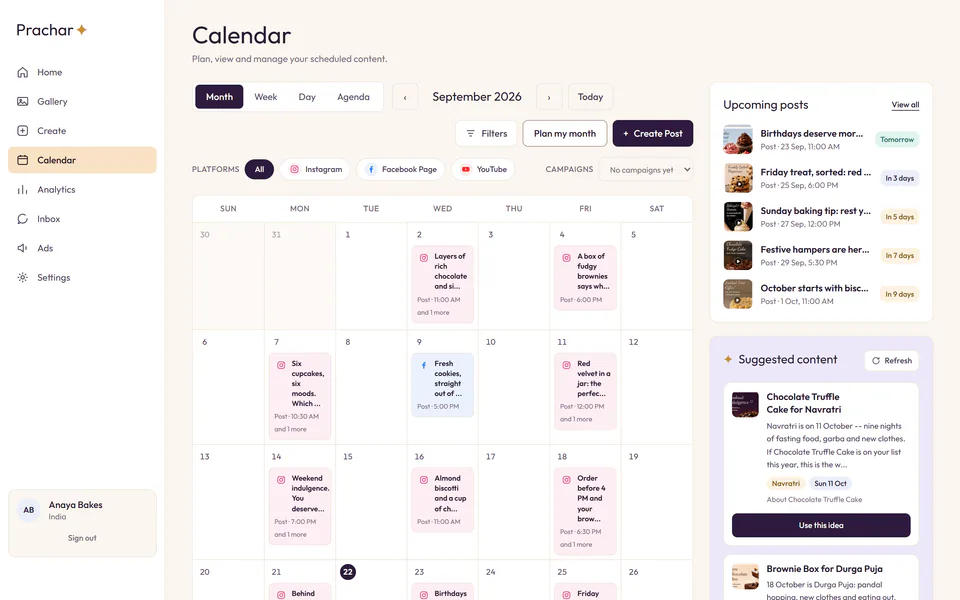
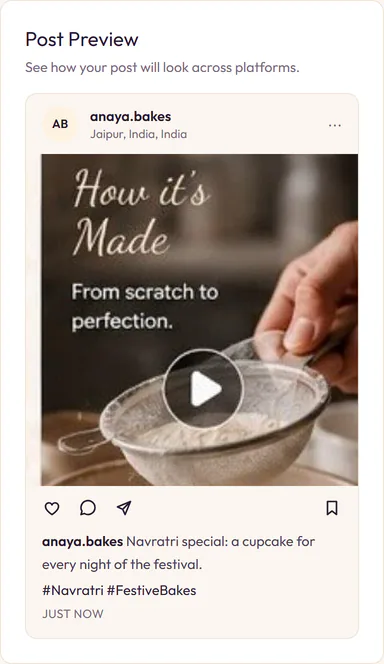
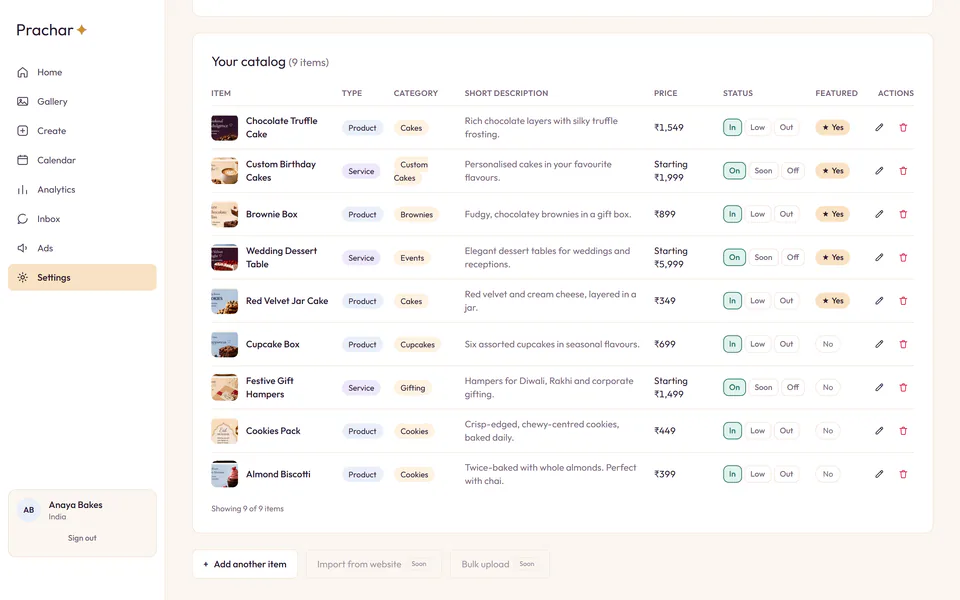
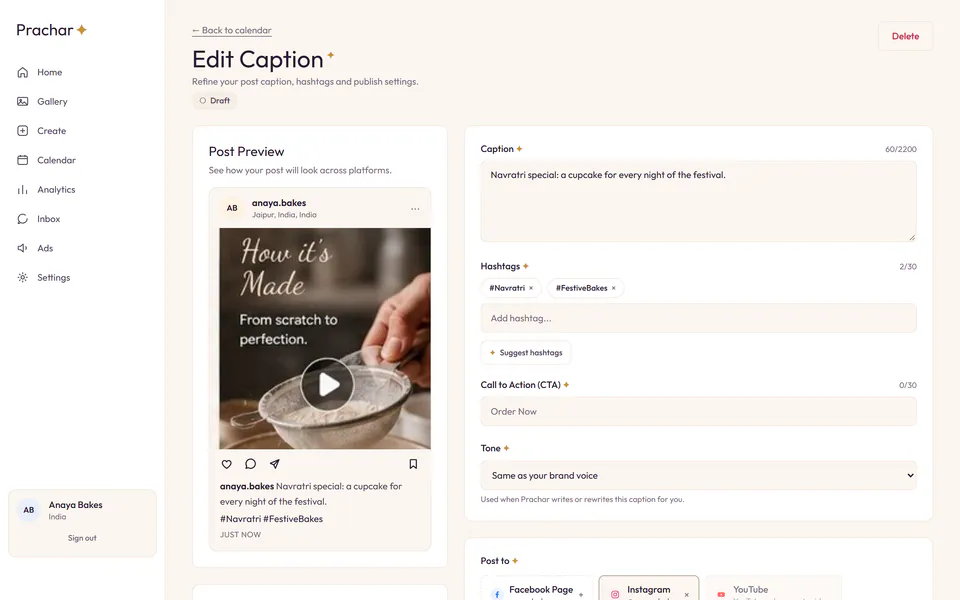
Screens from a demo workspace.
Add your products and services with their prices and pictures. Every post Prachar writes comes from that list, so it talks about real things at real prices.
Prachar writes a caption and suggests hashtags for each post from your own catalog. You edit anything you like before it goes anywhere.
Posts sit on a calendar, so you can tell at a glance where next week is thin. Add one at a time, or fill the weeks ahead in a single press.
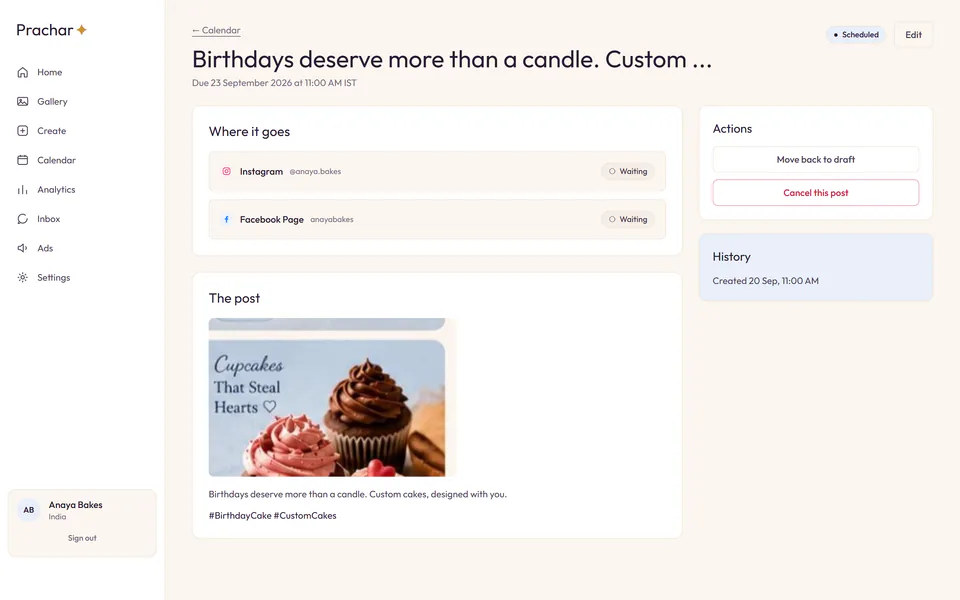
At the moment you scheduled, Prachar publishes the post to the accounts you picked for it — and tells you if a platform refused it, rather than leaving you to find out later.
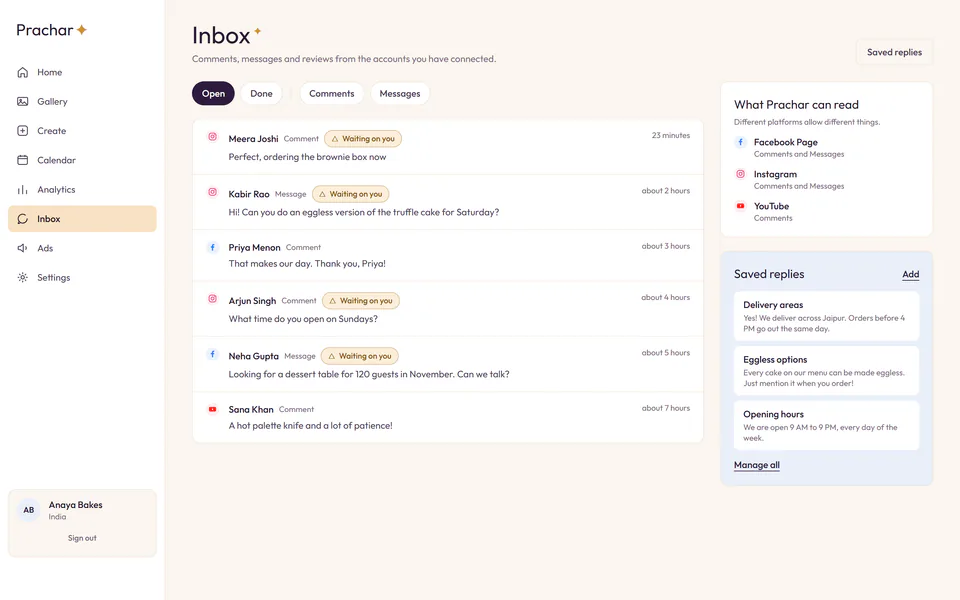
Comments, messages and reviews from the accounts you connected arrive in one place, and you answer them from there instead of opening four apps.
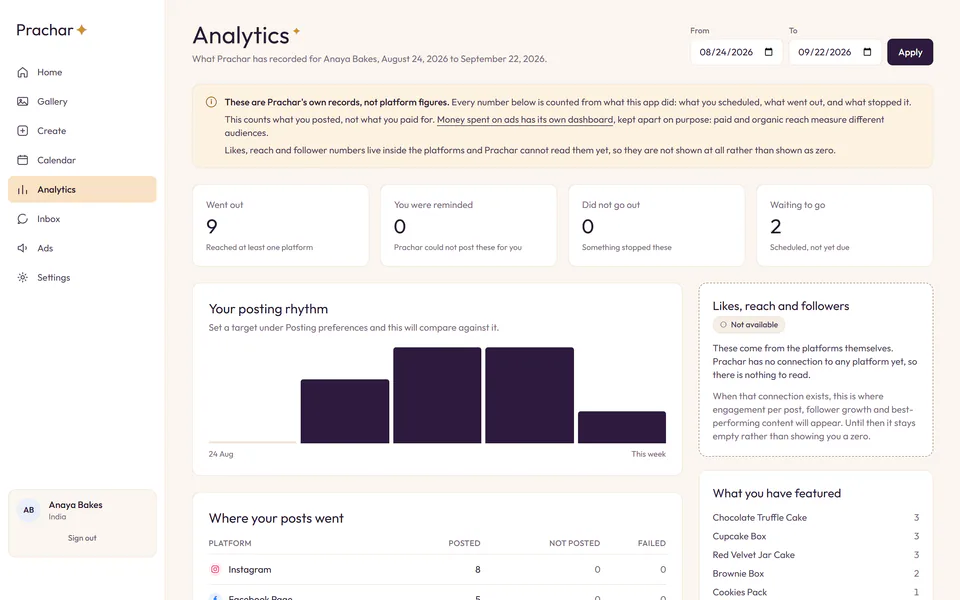
How each post did, in the figures the platforms themselves report, so next month is a decision rather than a guess.
You connect each account yourself, on that platform’s own screen. Prachar cannot reach an account you have not connected.
Sign in to each platform on its own screen and grant Prachar permission. It takes a minute, and you can undo it whenever you like.
Your products and services, with prices and a picture or two. This is what the posts end up being about.
Pick the day and the time each post goes out. Prachar takes it from there and tells you how it did.
Billed monthly, in rupees. Every plan starts with a free trial, and you can stop during it.
For getting started
₹499 per month
Also included: Just you and Email support.
Most popular
For growing businesses
₹999 per month
Also included: Up to 3 team members and Email support.
For teams running at scale
₹1,999 per month
Also included: Unlimited team members and Priority support.
Nothing is charged today. Payments are not connected yet, so starting a trial records the plan you want and nothing else. You will be asked before any money moves.
Prachar exists to publish things you wrote to accounts you own. Here is exactly what that means in terms of what it asks the platforms for.
Instagram, Facebook Page, LinkedIn, YouTube, Google Business Profile, and X. You connect each one yourself from Settings → Social accounts, on that platform’s own consent screen. Prachar never connects an account for you, and it has no access to an account you have not connected.
Nothing beyond that. Prachar does not read your personal feed or your friends, and your platform password never reaches us — access is a token the platform issues, held encrypted, never shown in the interface and never written to our logs.